
Dive with Buddy.
Share your dives, see what the community is diving, find people to dive with and book your next trip.
- A live feed of dives, sites and stories
- Find dive buddies near you or on your next trip
- Book tours, courses and trips


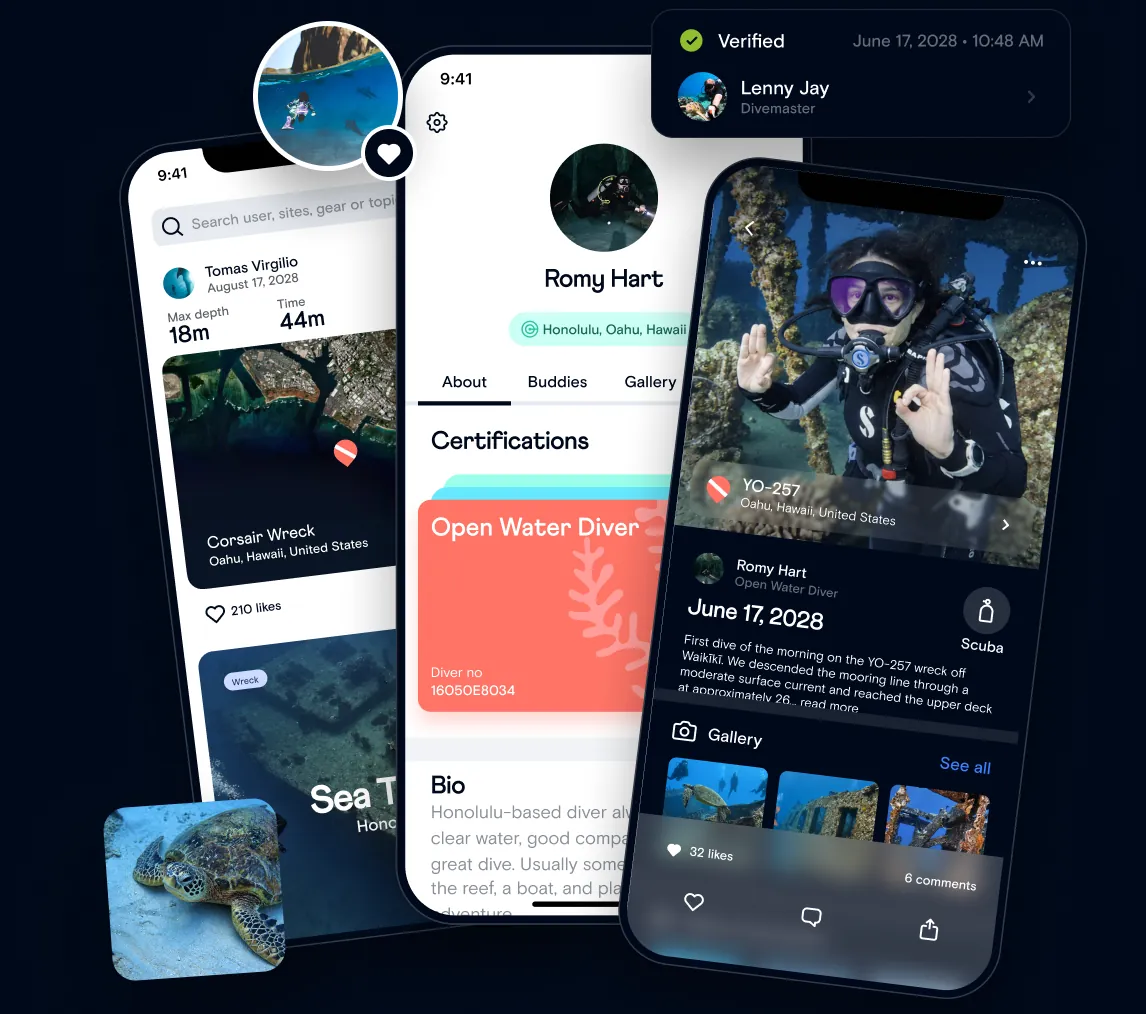
Diving is better together.
Buddy brings divers, dive pros and dive shops into one community.
Follow the community
Stories, dive sites and the latest dive logs in the Discover feed.
Meet dive pros
Instructors and divemasters have professional profiles you can find and tip.
Support the ocean
Log cleanups and reef surveys with Save the Seas.
What you can do with Buddy.
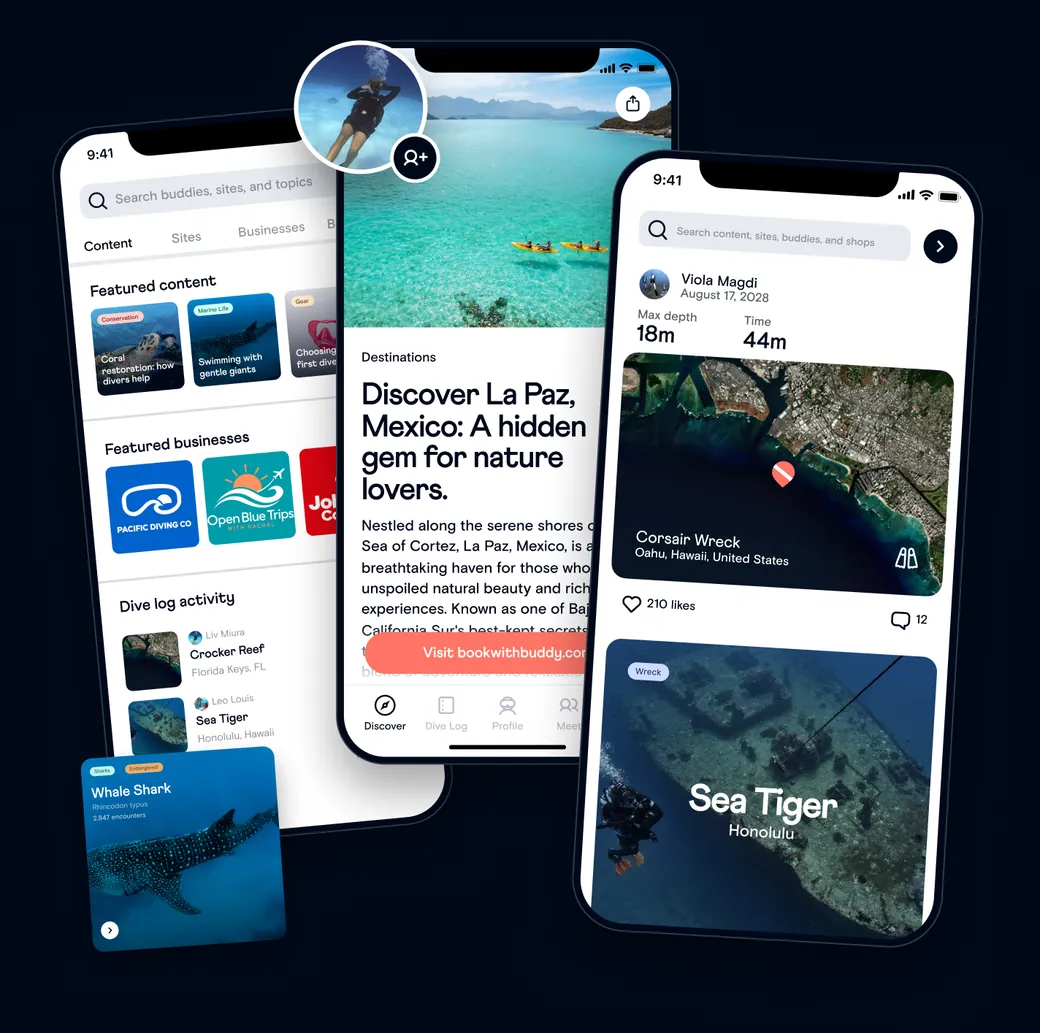
The whole dive world, in one feed.
Stories, dive sites, articles and the latest dive logs from your buddies and the community, all in the Discover feed. Search sites, businesses and divers by name.
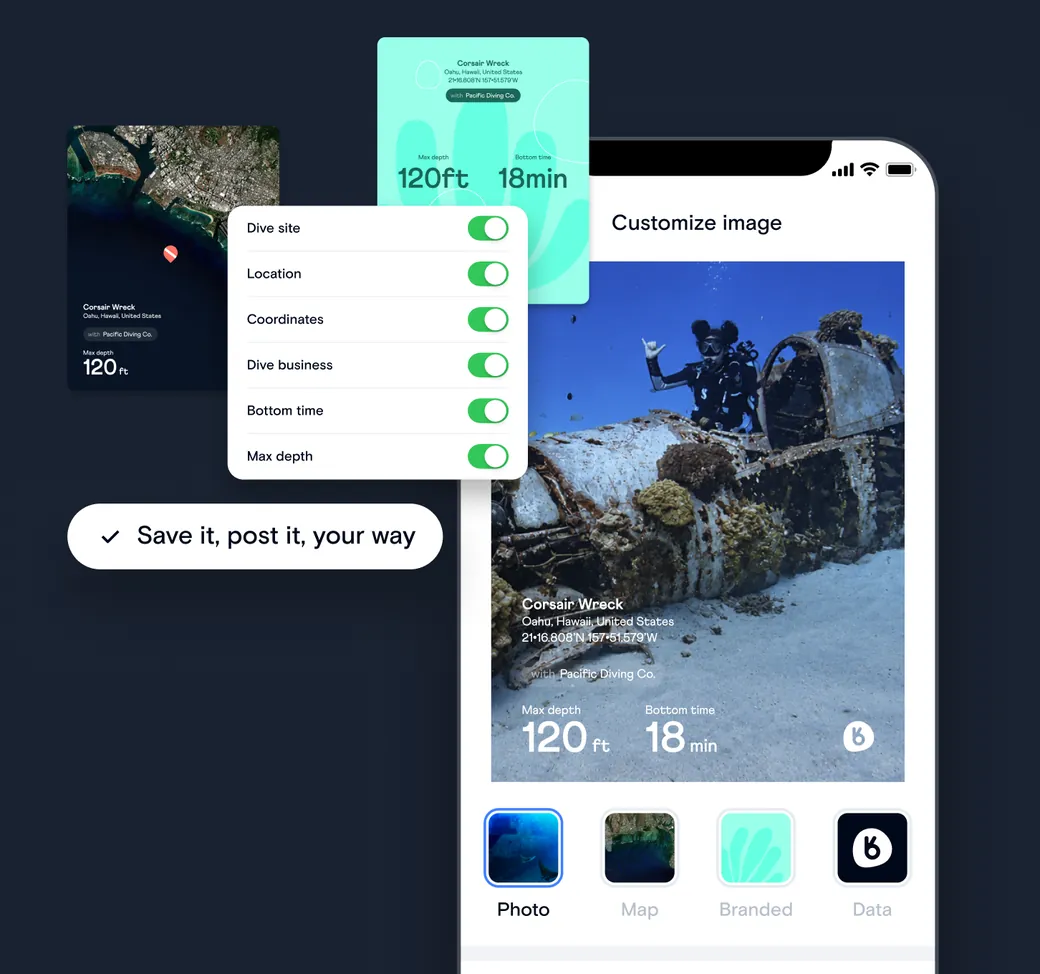
Share your dive, your way.
Turn any dive log into a share-ready image. Pick a photo, map or branded layout, choose which stats to show, then save it or post it to your socials.
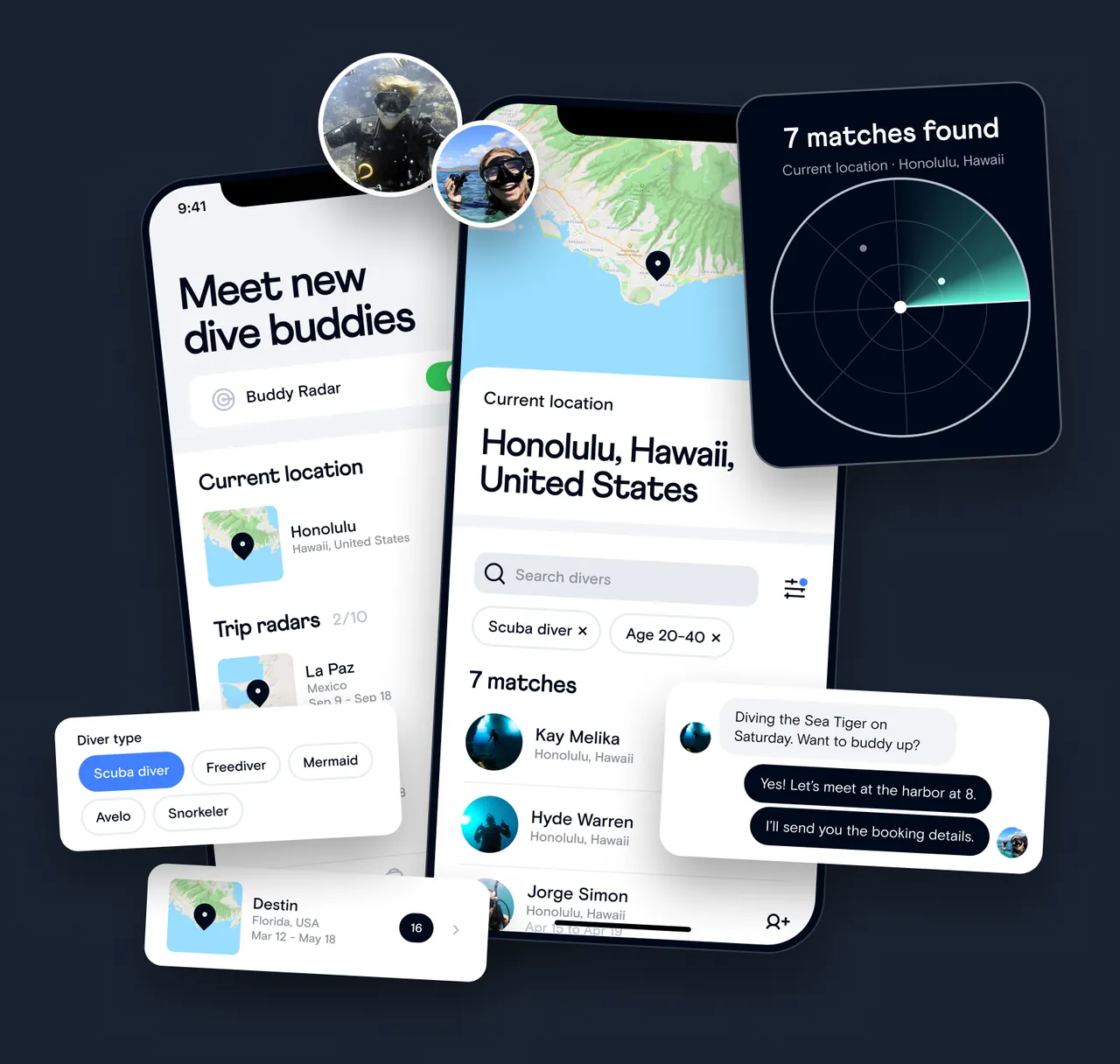
Find dive buddies wherever you are.
See divers near you right now, or set a radar for your next trip and get matched with divers heading to the same place.
FAQ
Questions, answered.
Is Buddy a dive log app or a booking app?
Both. Log dives, find buddies, and share in the app, then book tours, courses, and trips from businesses on Buddy in the app or on bookwithbuddy.com.
How do I find dive buddies with Buddy?
Turn on Buddy Radar to see divers near you, or set a radar for an upcoming trip to find divers heading to the same place. Filter by diver type and connect in the app.
How do I book a dive with Buddy?
Browse tours, courses, and trips in the app’s Book tab or on bookwithbuddy.com, and book in a few taps.
Is the Buddy app free?
Yes. Buddy is free to download on iOS and Android, and logging dives, adding certifications, and browsing Discover are free.
Where can I download Buddy?
Search “Dive with Buddy” on the App Store or Google Play, or go to bookwithbuddy.com/app.
Still have questions? Our Help Center has step-by-step guides for everything in the app.
Visit the Help CenterYour next dive starts in the Buddy app.
Search “Dive with Buddy” on the App Store or Google Play.